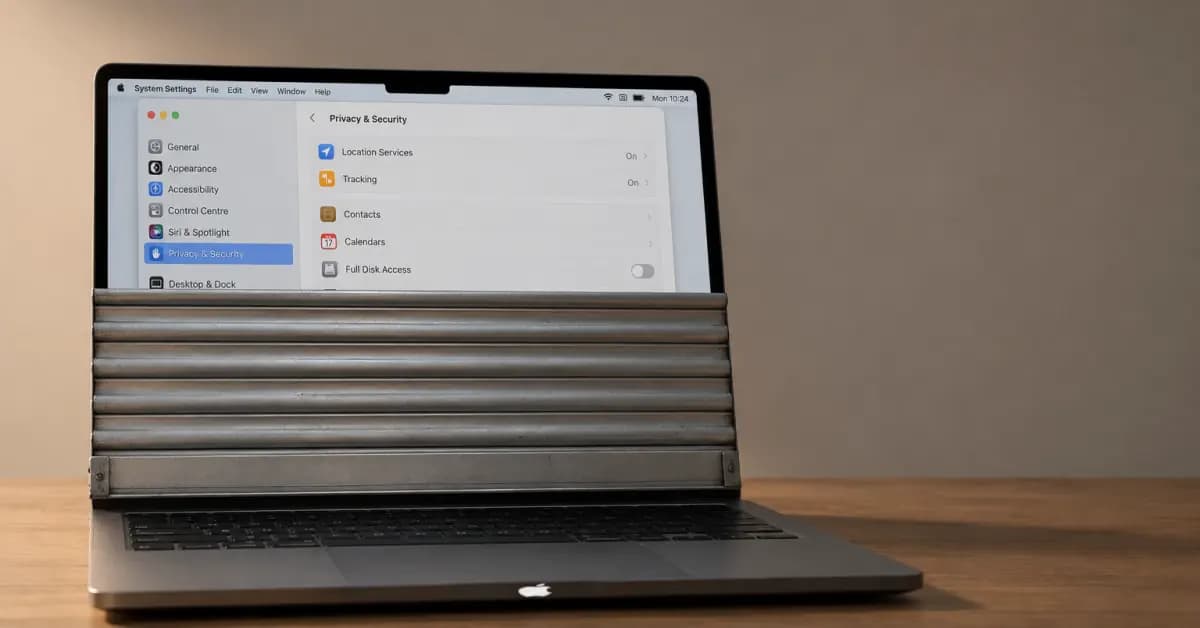
Apple has introduced updated Mac security controls in macOS 27.3 to restrict how autonomous applications access system data. The operating system changes require explicit user authorization before software can access sensitive files. The policy follows rising concerns regarding background tools that perform local actions without direct user oversight.
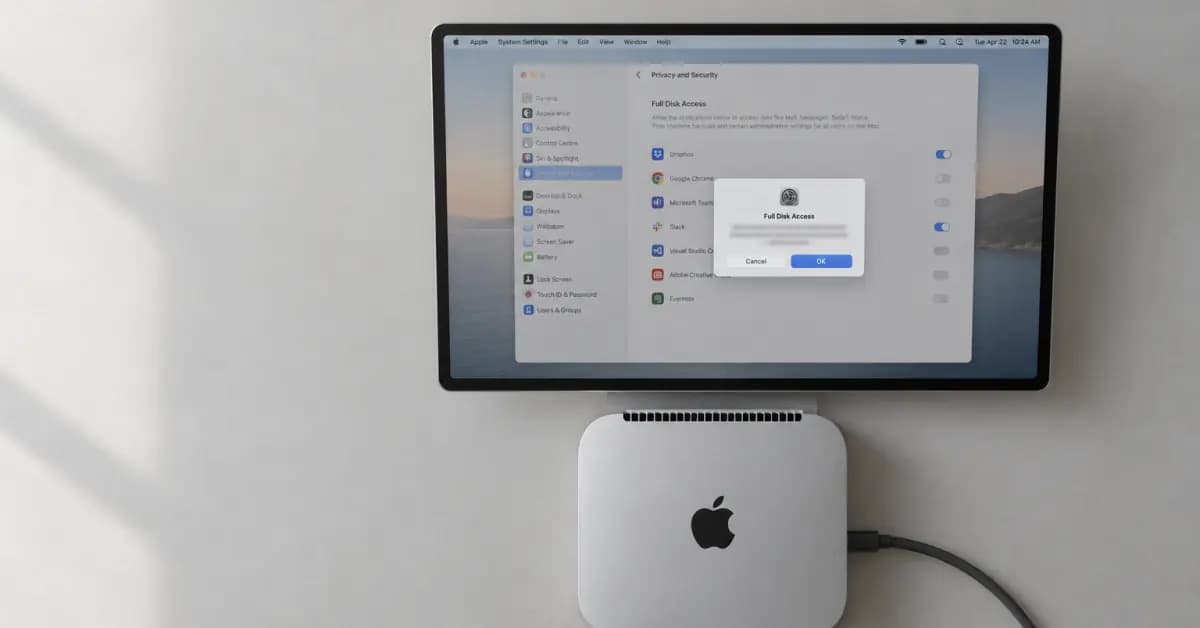
According to Engadget, the updated Full Disk Access prompts feature detailed warning messages. The dialog warns users that their computer cannot protect local information once full permission is granted. Users must confirm specific capabilities, including reading, modifying, deleting, and exporting system data.
New Mac Security Controls for Full Disk Access
The revised Mac security controls separate device management options to avoid accidental permission grants. In prior versions, users could grant wide privileges through combined configuration menus. Now, macOS separates Device Control and Data Access into System and App Protection Override alongside standard Accessibility settings. This division clarifies when an application overrides fundamental cybersecurity protections.
In addition, users must select individual applications from a dedicated list rather than using broad toggles. This change addresses reports where background assistants accessed private messages without clear intent. Specifically, Meta faced user questions after its desktop software accessed stored conversations on personal computers. Wire reports also noted potential vulnerabilities in desktop clients for ChatGPT, prompting Apple to tighten its operating parameters.
Granular Permission Tracking
Apple is also implementing runtime prompts that let users grant permissions on a per-use basis. Instead of granting permanent privileges, individuals can require software to request authorization each time it inspects local directories. Furthermore, an active indicator will show on the screen whenever an application controls another app through system overrides.
These features help preserve system privacy as more people run local models on modern computers such as the Mac Studio and Mac mini. Hardware sales to developers running offline models have increased, creating a need to balance usability with data protection. Users can test advanced AI software without giving third-party scripts complete access to personal photo libraries or browser archives.
Developer Requirements in macOS 27.3
Third-party software teams must revise onboarding flows to match the new permission structure. Apple advised developers to build software that operates properly when restricted to specific folders. Developers building traditional backup tools or assistive utilities can apply for special entitlements to preserve access.
The system changes are currently available in macOS 27.3 beta 2 for registered testing accounts. While strict warnings may slow down fully automated background routines, Apple prioritized data integrity over unrestricted agent operations. Regular consumers will receive these updated apps configurations when the public update releases later this cycle.